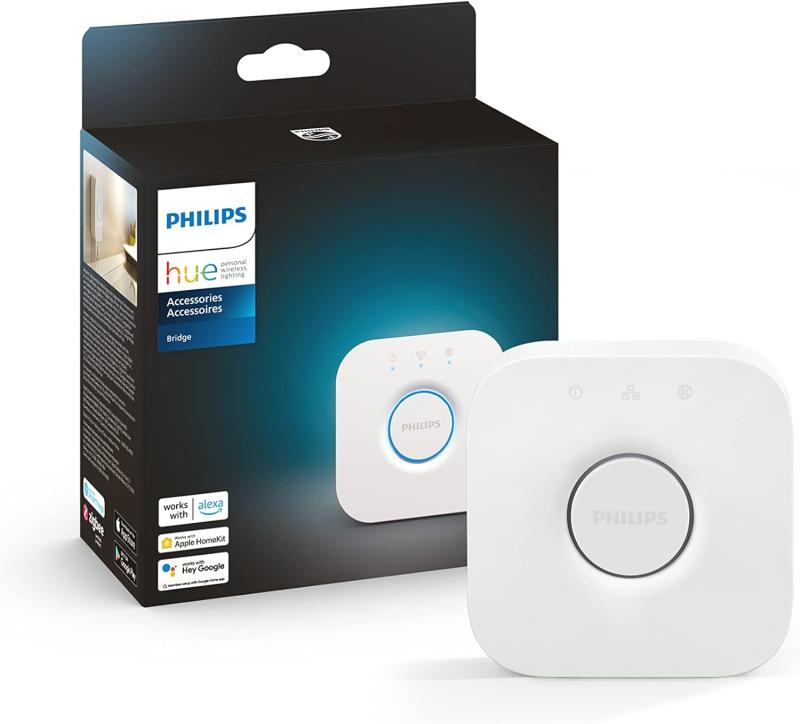
Wifi smart bulbs are pretty cool and easy to use. They connect to your home Wi-Fi network, letting you control them right from your smartphone or tablet. This means you can turn them on or off, change colors, or even adjust brightness without getting off the couch.
First, you’ll install the smart bulb in your light fixture just like a regular bulb. Then, you’ll download the accompanying app on your phone. Once your bulb is powered on, it will connect to your Wi-Fi, usually through a quick setup process guided by the app. Most smart bulbs use Bluetooth or a similar technology for that first connection, making it simple and straightforward.
Once everything is set up, your bulb is ready to brighten your day! You can control it using the app from anywhere within your home. Many of these bulbs allow for scheduling, so you can have them turn on when you get home or off when you leave. Some even let you create “scenes” where you can set different colors and brightness levels for various times of the day.
What’s even better? Some smart bulbs are compatible with voice assistants like Alexa or Google Assistant. This means you can just say, "Turn on the living room lights," and voila! Your voice does the work for you. Setting the mood for movie night? Easy as pie!
Benefits of Using Wifi Smart Bulbs
Wifi smart bulbs are a game changer for anyone looking to add some flair to their home. First off, they let you control your lighting right from your smartphone. Forget getting up to flip a switch; just grab your phone and make the room cozy from your couch.
Another great perk is the ability to set schedules. You can program your bulbs to turn on and off at specific times, making it look like someone’s home even when you're away. It’s a cool trick for keeping your house safe and giving peace of mind while you’re out on vacation.
Want to set the mood? These smart bulbs usually offer a range of colors and brightness levels. Adjust the lighting for movie night, dinner parties, or just a chill evening. You can create scenes that match your vibe with just a tap. Super easy!
Plus, many of these smart bulbs are energy efficient. They use less energy than regular bulbs, which can mean lower electricity bills. And since they can be easily controlled, there’s less chance of leaving lights on when you’re not around.
Finally, integrating wifi smart bulbs into your home automation system is a breeze. They work well with voice assistants like Alexa or Google Assistant. Just ask your voice assistant to turn off the lights, and voilà! It’s that simple.
Setting Up Your Wifi Smart Bulbs
Download the specific app that matches your smart bulb brand. Brands like Philips Hue or LIFX have their own apps, and you can find them in your app store. Once it's installed, open the app and create an account if you haven’t yet. Follow the setup prompts – they usually guide you through connecting to your Wi-Fi network.
Now comes the fun part! Screw in your smart bulbs just like you would with regular ones. Turn on the light switch, and your bulb should start blinking. This blinking usually indicates it’s ready to connect. Go back to your app and look for an option to add a new device.
Select your bulb from the list, and the app should guide you through connecting it to your home network. Once that’s done, you can customize settings like color and brightness right from your phone. You can even create schedules, so your lights turn on and off automatically. How cool is that?
Troubleshooting Common Smart Bulb Issues
Smart bulbs are amazing, but sometimes they can act a bit quirky. If you're having issues with yours, don’t worry! Here are some common problems and easy fixes to get your bulbs back on track.
1. Connectivity Issues
If your smart bulb isn't connecting to Wi-Fi, make sure you're using the right network. Check your router and confirm that it's working properly. Sometimes, moving the bulb closer to the router helps. If it still doesn’t connect, try resetting the bulb by turning it off and on several times.
2. App Troubles
Having trouble with the app that controls your smart bulb? Make sure it's up to date. Sometimes, outdated apps can cause glitches. If the app feels slow, close it completely and reopen it. If the problem persists, uninstall and reinstall the app to solve any bugs.
3. Bulb Flickering
Flickering smart bulbs can be frustrating. First, check if the bulb is screwed in tightly; a loose connection can cause flickering. If that doesn’t help, try changing the dimmer setting or brightness level in the app. Some bulbs don’t play well with certain dimmers, so you might need a compatible one.
4. No Response to Commands
If your smart bulb isn't reacting to your commands, your internet connection is probably the problem. Check if other devices are also having issues. Restarting your router can sometimes work wonders. If that doesn’t fix it, try unplugging the bulb for a minute and then plug it back in.
home automation solutions, smart home products, home automation systems, smart home devices, home automation, smart gadgets, best smart home devices 2025, affordable home automation, Cheap Home Automation Products Under $100, smart home deals, budget smart home tech, premium home automation, wireless home security system, SimpliSafe wireless security kit, smart security systems, best DIY home security system, outdoor security cameras, smart home security systems with cameras, wireless security cameras, smart home for beginners, Smart Lighting, smart light bulbs, smart bulbs, smart lighting solutions, home illumination technology, Hue smart lighting hub, Echo Show 15 Review, digital photo frame, smart frame with app control, smart aromatherapy diffuser, smart air purifier, air purifier with app control, smart thermostat, automated climate control, temperature and climate control, smart home hubs, best smart home hubs, Z-Wave devices, Zigbee devices, Matter smart home, smart home integration, voice controlled smart home, Alexa compatible devices, Google Home compatible, Wi-Fi smart devices, smart plugs and switches, smart appliance deals, home automation installation, smart home setup guide, smart home troubleshooting, smart living space, transform your living space, Best Home Automation Products For Smart Home, convenient smart gadgets, simplify everyday life, smart home accessories, smart locks and sensors, video doorbell, automated door locks, home surveillance, security camera systems, home audio and entertainment, multi-room audio, smart speakers, smart tv control, smart lighting ideas, energy saving smart home devices, home automation solutions for easy living, smart home tech reviews, smart home installation services, smart home starter kits, best budget security system, smart home gift ideas, Black Friday smart home deals, Cyber Monday home automation, holiday smart home gifts, best Christmas smart home deals, smart home security discounts, affordable SimpliSafe kit, smart home gift under $50, smart home sales and offers, where to buy smart home products, reliable smart home brands, Wyze products, Roku streaming devices, Amazon smart devices, smart home for elderly, best smart lighting for living room, smart home security without subscription, home automation for renters.